
WhatsApp has more than two billion users worldwide, and it's often the app people check before anything else. For businesses, that makes it one of the highest-engagement channels available — but you can't run customer conversations at scale from a personal WhatsApp account. That's what the WhatsApp Business API is for.
Here's what it actually is, how it works, and what it takes to get started.
What Is the WhatsApp Business API?
The WhatsApp Business API is Meta's platform for businesses that need to send and receive WhatsApp messages at scale, through software rather than a phone. Instead of a person typing replies in the WhatsApp app, the API lets a business connect its own systems — a CRM, a support helpdesk, an e-commerce platform — directly to WhatsApp, so messages can be sent and answered automatically or by a support team working from a shared inbox.
It's built for volume and integration, which is the key difference from the free WhatsApp Business App most small shops use.
WhatsApp Business API vs. the WhatsApp Business App
The WhatsApp Business App is a free mobile app for small businesses: one phone, one person (or a small team using linked devices) replying manually. It works well for a local shop with a manageable volume of chats.
The WhatsApp Business API is built for scale. It has no user interface of its own — it's infrastructure that connects to whatever software you run your business on. That's why it's accessed through a provider like Cyberscape rather than downloaded as an app: someone has to handle the technical integration, message routing, and Meta's approval process on your behalf.
How Does the WhatsApp Business API Work?
Once your business is verified and connected, messaging happens in two directions:
- Business-initiated messages use pre-approved message templates — standardized formats for things like order confirmations, shipping updates, or appointment reminders, submitted to Meta for review before they can be sent.
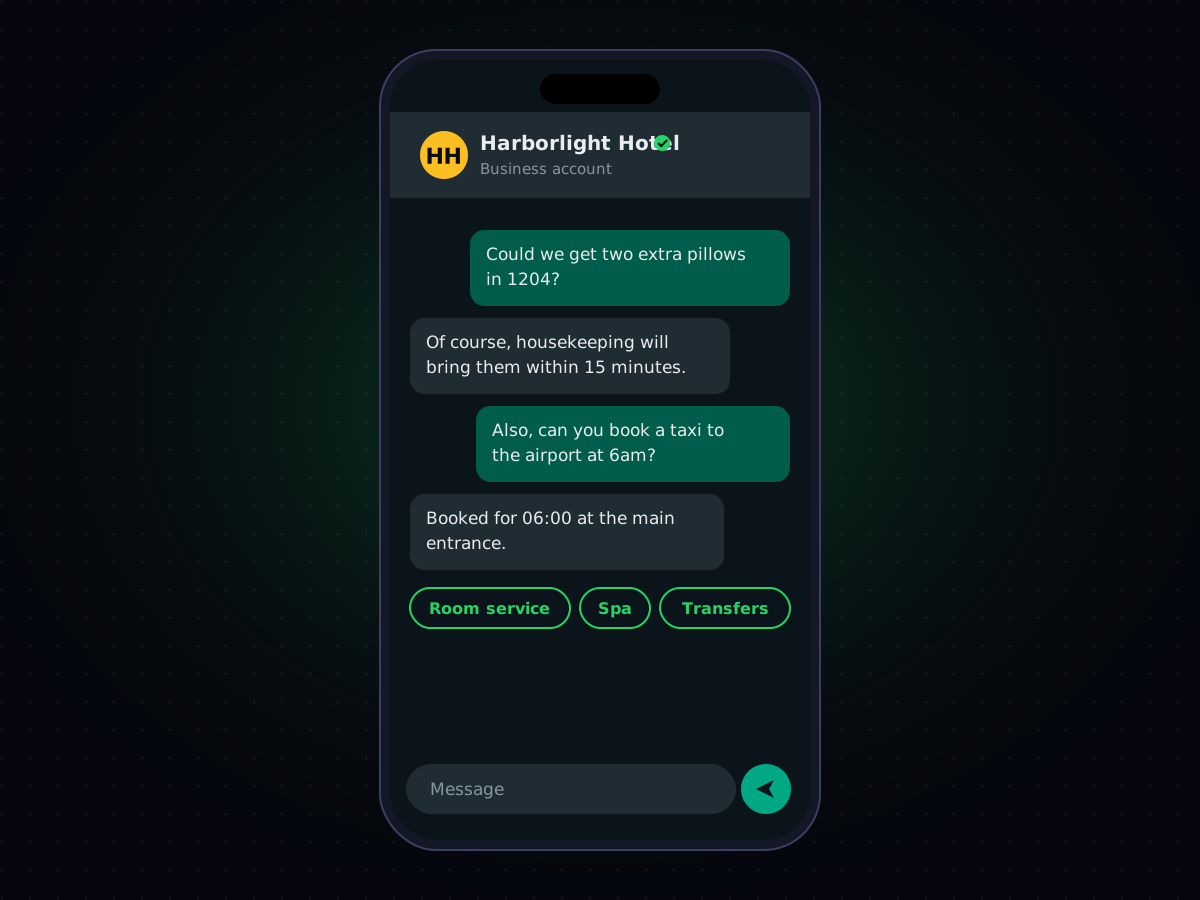
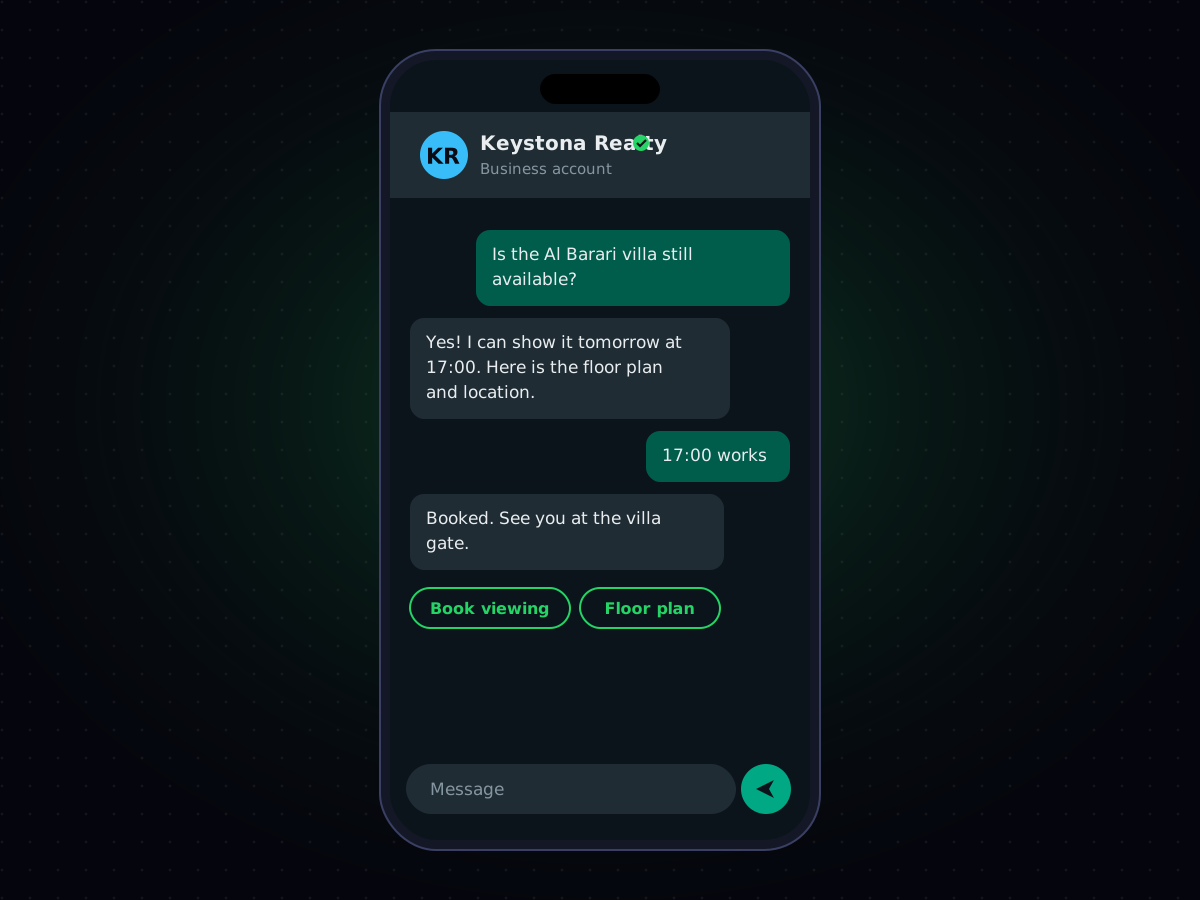
- Customer-initiated conversations open a 24-hour window in which you can reply with free-form text, images, documents, or interactive buttons — no template required, much like a normal chat.
This structure exists to keep WhatsApp spam-free: businesses can't cold-message people, but once a customer reaches out, the conversation opens up.
What Can You Send With the WhatsApp Business API?
Beyond plain text, the API supports rich message types that make conversations genuinely useful rather than just another notification channel:
- Images, PDFs, and documents (receipts, boarding passes, product catalogs);
- Quick-reply and call-to-action buttons, so customers can respond with a tap instead of typing;
- List messages, for things like picking a delivery slot or choosing from a menu; and
- Location sharing, useful for delivery and logistics use cases.
Why Businesses Use It
Three things tend to drive adoption: reach, engagement, and cost efficiency. Reach, because WhatsApp is already installed on your customers' phones in most parts of the world. Engagement, because open and response rates on WhatsApp consistently outperform email and often SMS, since it's a channel people actually check throughout the day. And cost efficiency, because WhatsApp's conversation-based pricing can work out cheaper than SMS for markets where per-message SMS rates are high, especially for longer or richer messages.
It's also increasingly used alongside SMS rather than instead of it — SMS for the messages that must land no matter what (an OTP code, a critical alert), WhatsApp for the richer, ongoing conversation. If you're weighing the two directly, our comparison of SMS vs. WhatsApp for business messaging goes through the trade-offs in more detail.
Getting Started With the WhatsApp Business API
You'll need a Meta Business verification, a dedicated phone number for the API (it can't already be active on a personal WhatsApp or the Business App), and a small set of approved message templates to start with. In practice, most businesses go through a provider that handles the Meta approval process, hosts the technical integration, and gives you a working inbox or API endpoint from day one, rather than building the Meta-facing integration from scratch.
That's the role Cyberscape plays: we handle the WhatsApp Business Platform integration, template approval, and delivery infrastructure, so your team can focus on the conversation rather than the plumbing behind it. You can see how it fits alongside our other channels on our WhatsApp Business messaging page.