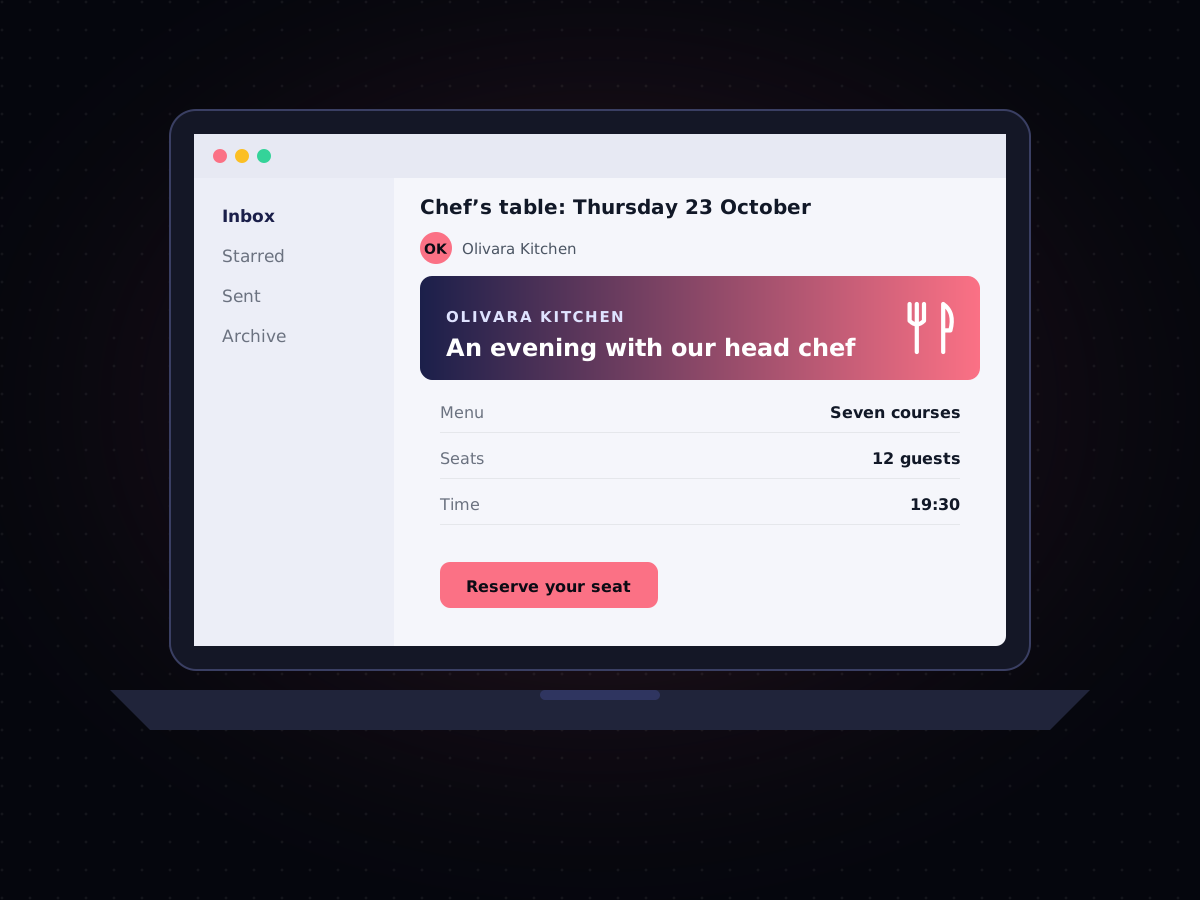

Email is the one channel almost every business already uses — but there's a big difference between sending a newsletter from a marketing tool and reliably delivering thousands of order confirmations, password resets, and receipts the moment they're triggered by your application. That second job is what an Email API is built for.
What Is an Email API?
An Email API lets your software send email directly and programmatically, instead of a person composing and clicking send. Your application makes a request — "send this receipt to this address" — and the API handles formatting, delivery, and tracking, returning a status so you know whether it landed. It's the same basic pattern as an SMS API, applied to email.
This is different from email marketing tools built around drafting campaigns in an editor. An Email API is infrastructure: it's what sits behind the "you'll receive a confirmation email shortly" moment in almost every app and website you use.
Transactional vs. Marketing Email
The two have different jobs and different expectations:
- Transactional email is triggered by a specific action a user takes — a signup, a purchase, a password reset — and is expected to arrive within seconds. Deliverability and speed matter enormously here, since a delayed password-reset email is a support ticket waiting to happen.
- Marketing email is sent in bulk to a list on a schedule — a newsletter, a promotion — and is judged more on open rates and engagement than instant delivery.
A good Email API handles both, but the infrastructure underneath (dedicated sending reputation, retry logic, real-time triggers) is really built around getting transactional email right, since that's the traffic that can't be late.
Why Deliverability Is the Whole Game
Sending an email is trivial. Getting it into the inbox instead of spam is the actual engineering problem. Deliverability depends on sender reputation, proper authentication (SPF, DKIM, and DMARC records that prove you're really who you say you are), consistent sending patterns, and how recipients react to your messages over time. This is the main reason businesses use a dedicated Email API rather than sending high volumes through a regular mailbox: a mailbox provider will throttle or block you long before you reach meaningful scale, while a proper API is built and monitored specifically to protect your sender reputation.
What to Look For in an Email API
- Real delivery and open tracking — so you know what actually happened to a message, not just that it was accepted;
- Webhooks for events — bounces, opens, and clicks pushed to your system in real time, rather than a report you have to go check;
- Template management — consistent, branded emails without hardcoding HTML into your application; and
- One dashboard alongside your other channels — so an order confirmation sent by SMS, WhatsApp, and email all show up in the same place, instead of three disconnected systems.
Email as Part of a Multi-Channel Strategy
Email isn't going away, but it's rarely the only channel anymore. A shipping update might go out by SMS for the urgent one-liner and by email for the detailed receipt with an itemized order; a re-engagement campaign might use email for the full story and WhatsApp for a quick nudge. The channels work better together than any one of them does alone — we cover how to think about splitting messages across channels in SMS vs. WhatsApp vs. RCS vs. Email: How to Choose the Right Channel.
Getting Started
Cyberscape's Email API is built to sit alongside our SMS, WhatsApp, and RCS messaging under one account and one set of delivery reports, so your team isn't logging into a separate platform just to see whether an email went out. You can see it on our Email API page.