Template management
We prepare and submit marketing, utility and authentication templates for approval, and keep them compliant as the rules change.
Meet customers in the app they open most, with a verified business profile, conversations that go both ways, and SMS as a safety net.
The WhatsApp Business API lets your systems and your team hold real conversations with customers: order questions, bookings, support and updates, all in one thread they already trust.
Cyberscape handles onboarding, template approval and delivery, then connects WhatsApp to the rest of your messaging so a missed chat can fall back to SMS automatically.
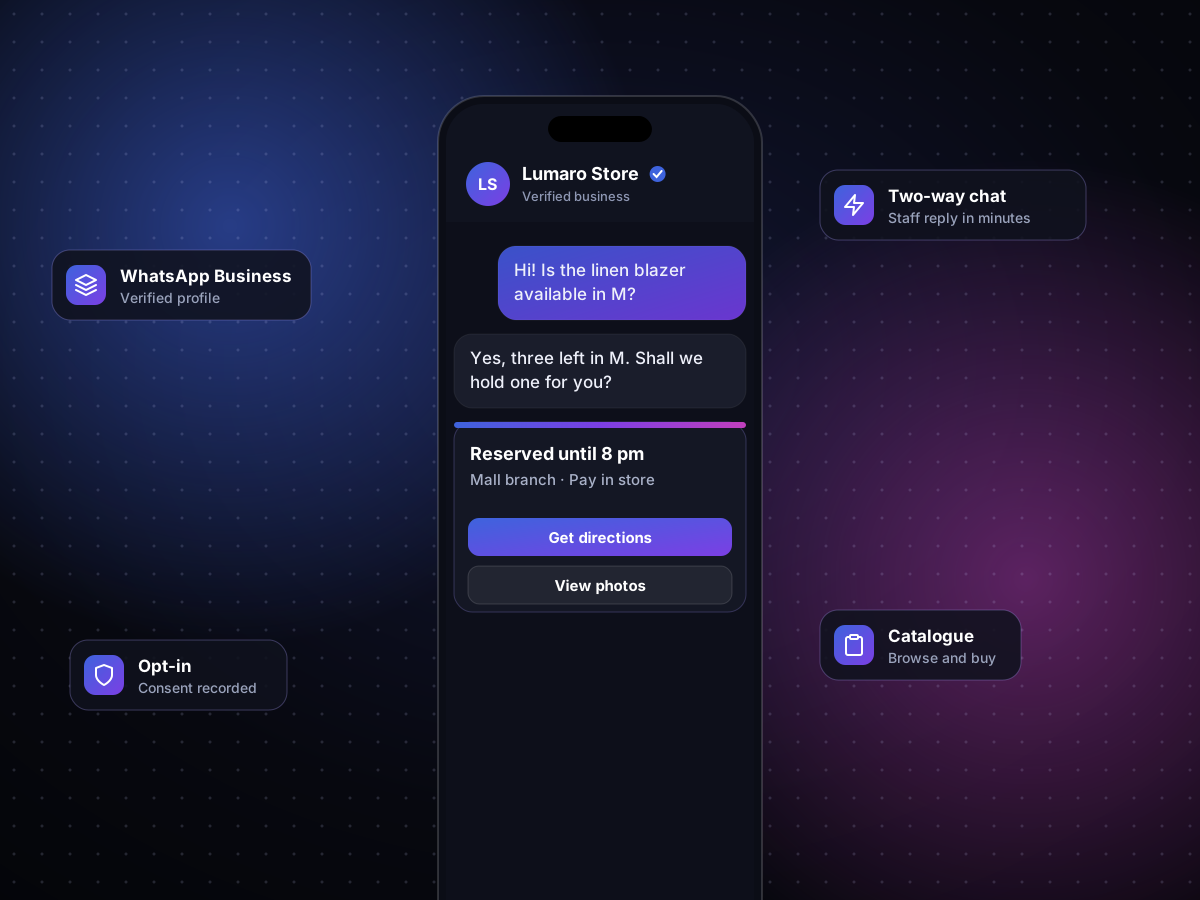
From the first template to a shared team inbox, the pieces that make WhatsApp work in production.
We prepare and submit marketing, utility and authentication templates for approval, and keep them compliant as the rules change.
Send images, documents, locations and quick-reply buttons, so customers act in one tap instead of typing.
Route conversations to the right agent, or answer common questions automatically and hand over when a person is needed.
If a message cannot be delivered on WhatsApp, the same content goes out by SMS so nothing important is missed.
We set up your business account and display name with Meta.
Templates and conversation flows are drafted around your use case.
Our API links WhatsApp to your CRM, store or support tools.
Opt-ins, reporting and fallback rules are tuned as volumes grow.
The same request your systems would send, and the message it puts on a customer's phone.
POST /v1/messages
Authorization: Bearer ••••••••
Content-Type: application/json

{
  "channel": "whatsapp",
  "to": "+971501234567",
  "template": "order_update",
  "params": { "stops_away": "3", "eta": "14:20" },
  "fallback": "sms"
}
{ "id": "msg_8Fq2xL", "status": "delivered" }Illustrative request. Your API keys and exact fields are shared during onboarding.
Yes. WhatsApp requires customers to agree to hear from you, and we help you capture and store that consent.
Most businesses are verified and sending approved templates within a few working days, depending on Meta review.
Yes. Both channels share one API and one set of reports, and SMS can act as automatic fallback.
Replies arrive in your inbox or system in real time, and service conversations can continue freely within the 24-hour window.
Tell us what customers ask you most, and we will design the templates and flows around it.