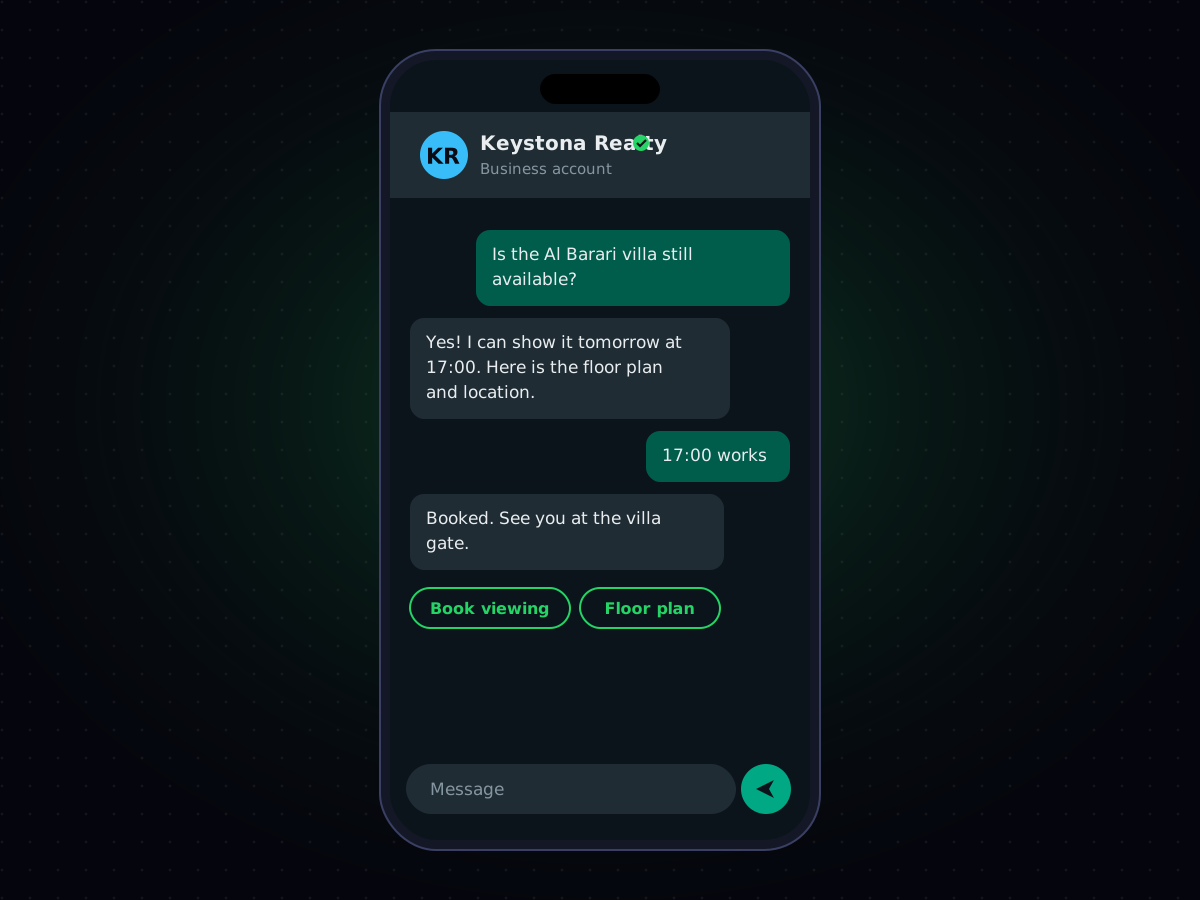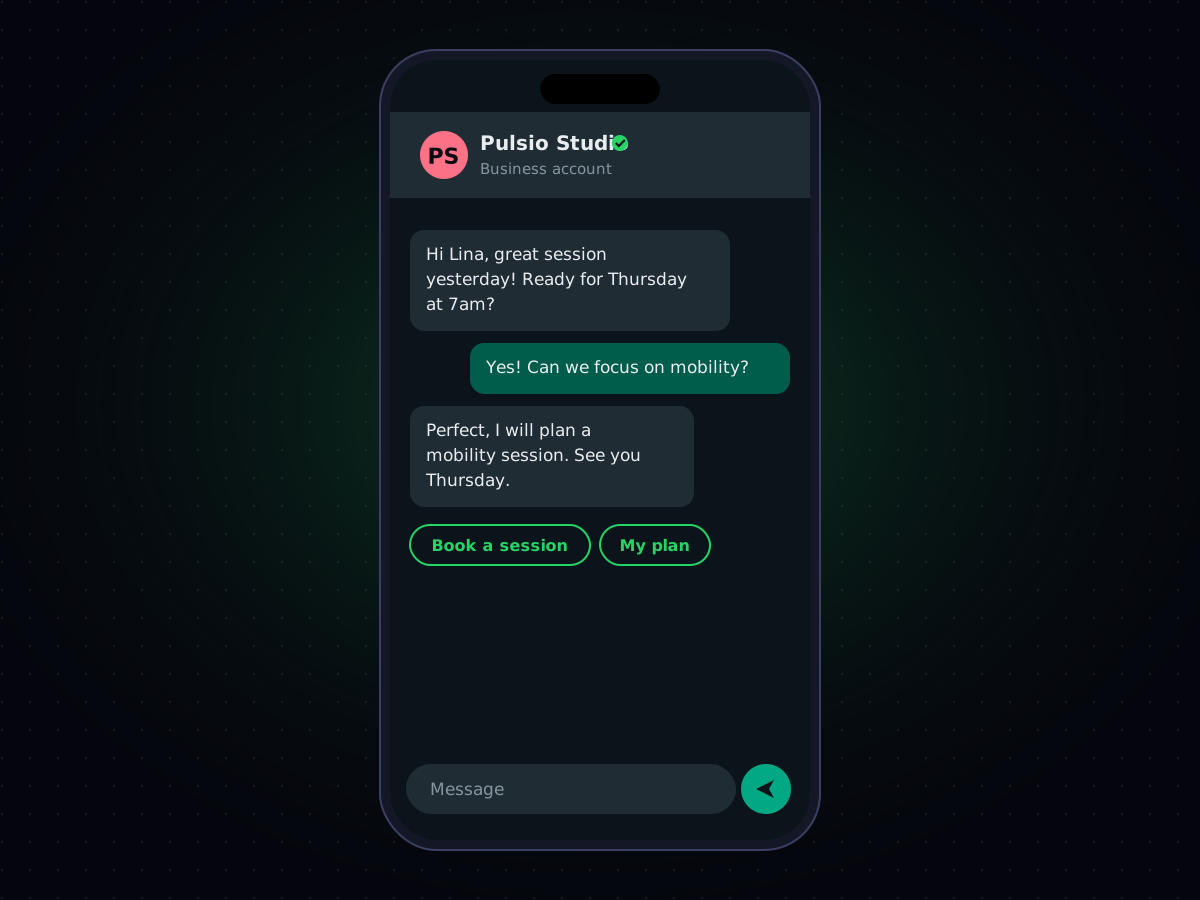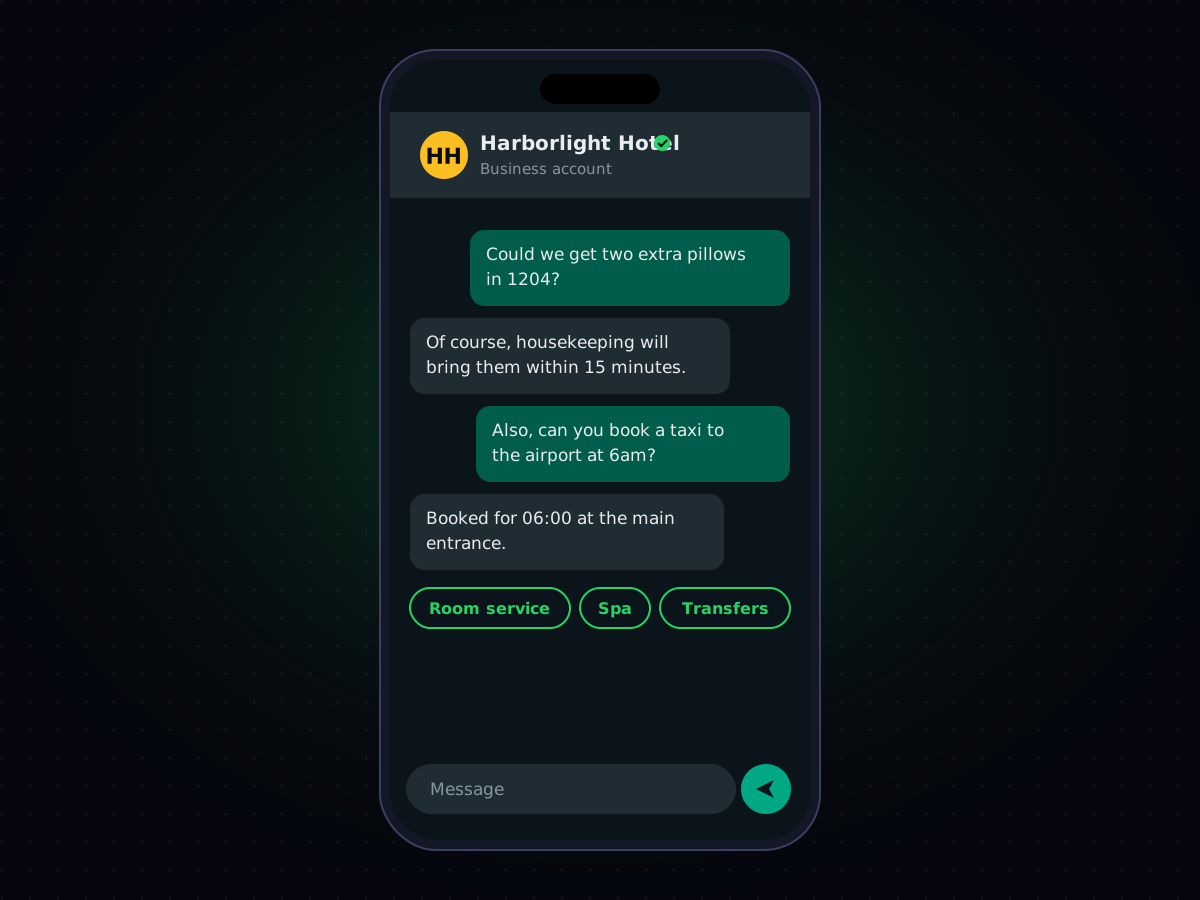
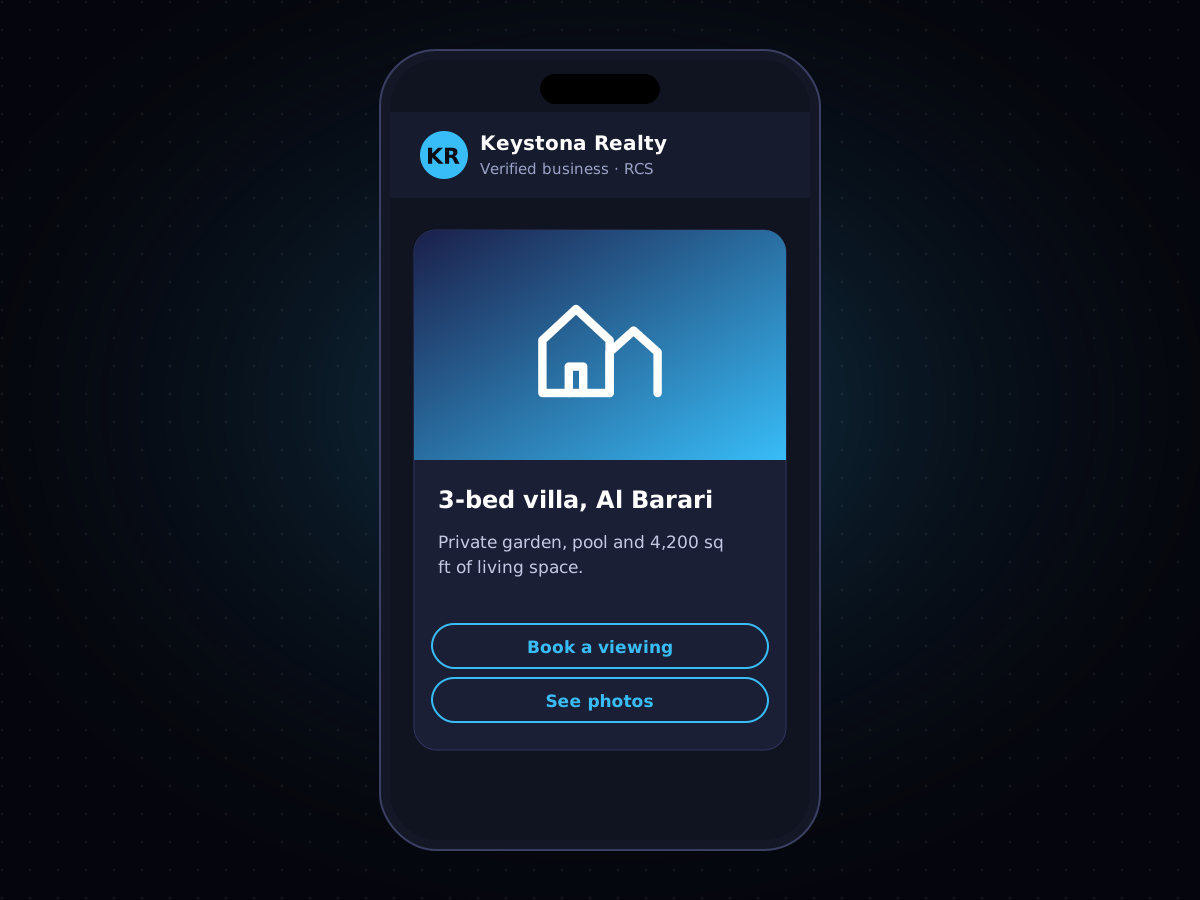

SMS hasn't changed much in thirty years: 160 characters, plain text, no images. RCS (Rich Communication Services) is the industry's answer to that limitation — a messaging standard that adds branded sender profiles, images, and interactive buttons to the default messaging app on most Android phones, without requiring anyone to install anything new.
What Is RCS Business Messaging?
RCS Business Messaging is the business-facing side of RCS: a way for companies to send rich, branded, interactive messages through the same "Messages" app people already use for texting on Android. Where SMS gives you plain text, RCS gives you a verified sender name and logo, full-color images, carousels of products, and buttons the recipient can tap — all inside a native messaging thread, not a separate app.
It's often described as "the next generation of SMS," and functionally that's a fair summary: same familiar inbox, considerably more capability.
How Is RCS Different From SMS?
The practical differences show up immediately in the message itself:
- Verified branding — your business name, logo, and a verification checkmark appear on the message, instead of an unfamiliar number;
- Rich media — full images, GIFs, and video, not just text;
- Interactive elements — quick-reply buttons, carousels for browsing multiple products, and suggested actions like "Call" or "View Website" that trigger directly from the message; and
- Read receipts and typing indicators — the same familiar cues from consumer chat apps.
For a closer side-by-side of when each format makes sense, see our guide to MMS vs. SMS — RCS sits a step beyond both in what it can display.
What Happens on iPhones and Older Devices?
This is the question every business asks, and the answer is what makes RCS practical rather than risky: when a recipient's device or carrier doesn't support RCS, a well-built RCS platform automatically falls back to standard SMS. The message still arrives; it just arrives in plain-text form instead of the rich format. You're never choosing between RCS and SMS — a properly integrated platform sends RCS where it's supported and SMS everywhere else, from a single campaign.
What Businesses Use RCS For
Because RCS looks and feels like a native part of the phone's messaging app rather than a separate channel, it tends to work well for exactly the messages where trust and clarity matter most:
- Order and delivery tracking, with a visual progress carousel instead of a string of separate texts;
- Appointment reminders with a one-tap "Confirm" or "Reschedule" button;
- Product launches and promotions, using real images instead of a link to click through; and
- Customer support, with suggested quick replies that route a conversation faster than free text.
RCS, SMS, WhatsApp, and Email: Do You Need All of Them?
Most businesses end up using more than one channel, because each is better suited to different moments. RCS gives you a rich, branded experience for Android users where it's supported, with SMS as an automatic safety net everywhere else; WhatsApp reaches the huge base of people already active there; and email still carries the longer-form, document-style communication SMS and RCS aren't built for. We've laid out how to think about choosing between them in SMS vs. WhatsApp vs. RCS vs. Email: How to Choose the Right Channel.
Getting Started With RCS Business Messaging
Sending RCS at business scale requires carrier and platform-level verification (through Google's ecosystem) plus a messaging provider that can handle the automatic SMS fallback so nothing gets lost in transit. That's the infrastructure piece Cyberscape provides — verified sender registration, message design, and delivery across RCS and SMS from one platform. You can see it alongside our other channels on our RCS Business Messaging page.