
Event triggers
Alerts fire automatically from your systems when something happens.
Time-critical notifications that reach people instantly, any hour, on any phone.
Outages, delivery changes, appointment reminders and account warnings need to arrive now. Alert SMS reaches every handset without an app or data connection.
Cyberscape delivers alerts at any hour, targets them by area or audience, and confirms delivery so you know who has been told.
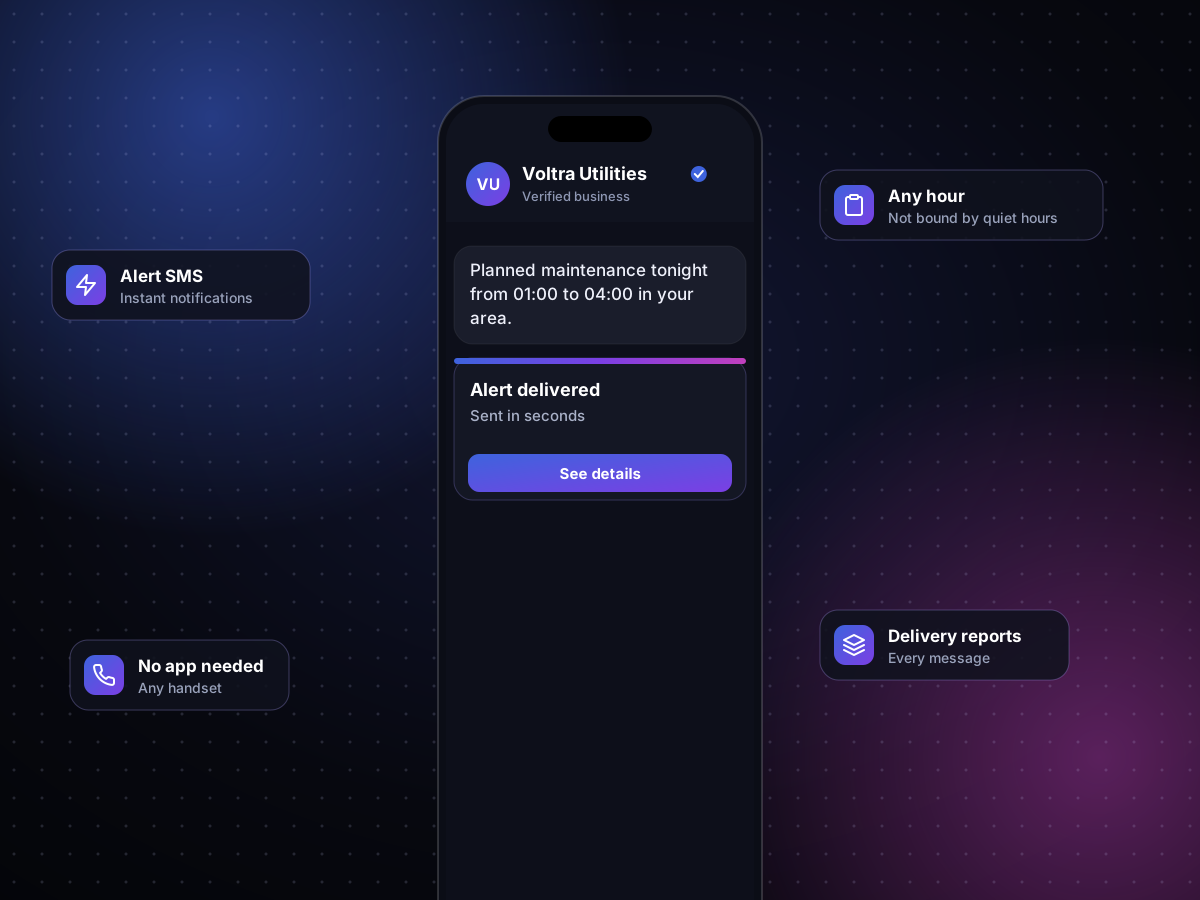
Speed, targeting and proof of delivery.
Alerts fire automatically from your systems when something happens.
Reach only the people affected, by region or list.
Recipients confirm, reschedule or ask for help by replying.
Know exactly who received each alert.
An event in your system starts the alert.
The right audience is selected automatically.
Messages go out in seconds.
Delivery and replies are reported.
The same request your systems would send, and the message it puts on a customer's phone.
POST /v1/messages
Authorization: Bearer ••••••••
Content-Type: application/json

{
  "channel": "sms",
  "from": "VoltraUtil",
  "to": "segment:district-14",
  "text": "Planned maintenance tonight from 01:00 to 04:00 in your area.",
  "allow_quiet_hours": true
}
{ "id": "msg_8Fq2xL", "status": "delivered" }Illustrative request. Your API keys and exact fields are shared during onboarding.
Yes. Time-critical alerts are not limited to marketing hours.
Yes. Alerts can go to people in affected regions or on specific lists.
Yes. Two-way alerts let recipients confirm or ask for help.
Delivery reports show the status of every message.
Share the events you need to communicate, and we will set up alerts around them.